Click Factory
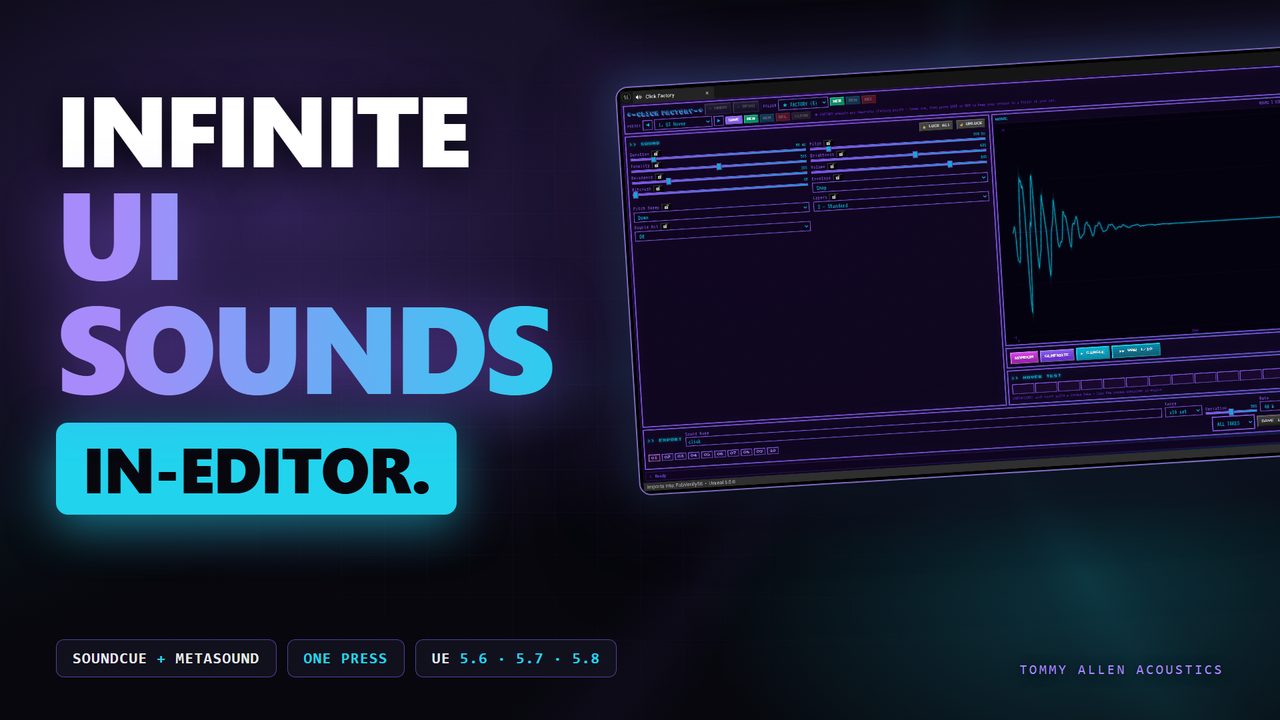
Design click, tap, pop, snap and confirm sounds in a tab inside the Unreal Editor, then press one button — Click Factory builds them into your open project as SoundCue and MetaSound assets. No samples, no libraries, no leaving the editor.
>> WHAT IT DOES
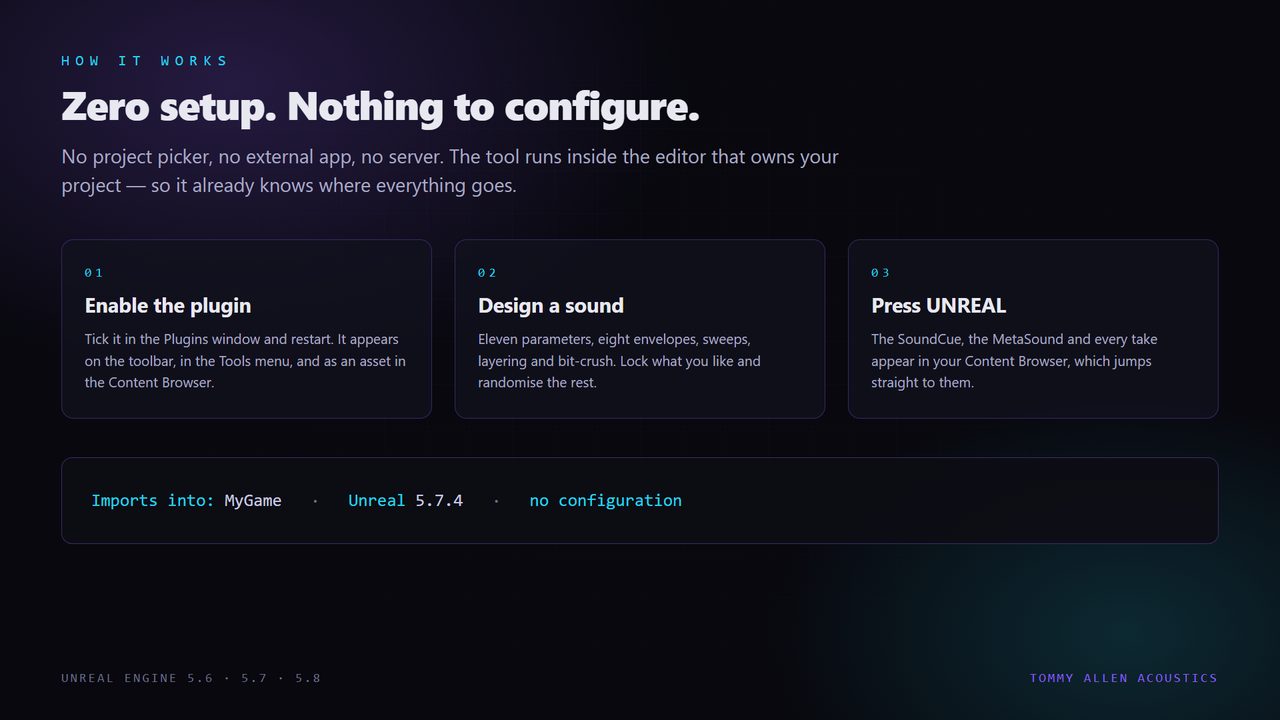
Open the Click Factory tab, dial in a sound, generate a set of matched variations. IMPORT builds everything into your project in seconds: the takes as SoundWaves, a standard SoundCue that plays a random one per trigger, and a MetaSound with a gain dial. Hook the cue to a button and you are done.
>> WHAT YOU GET
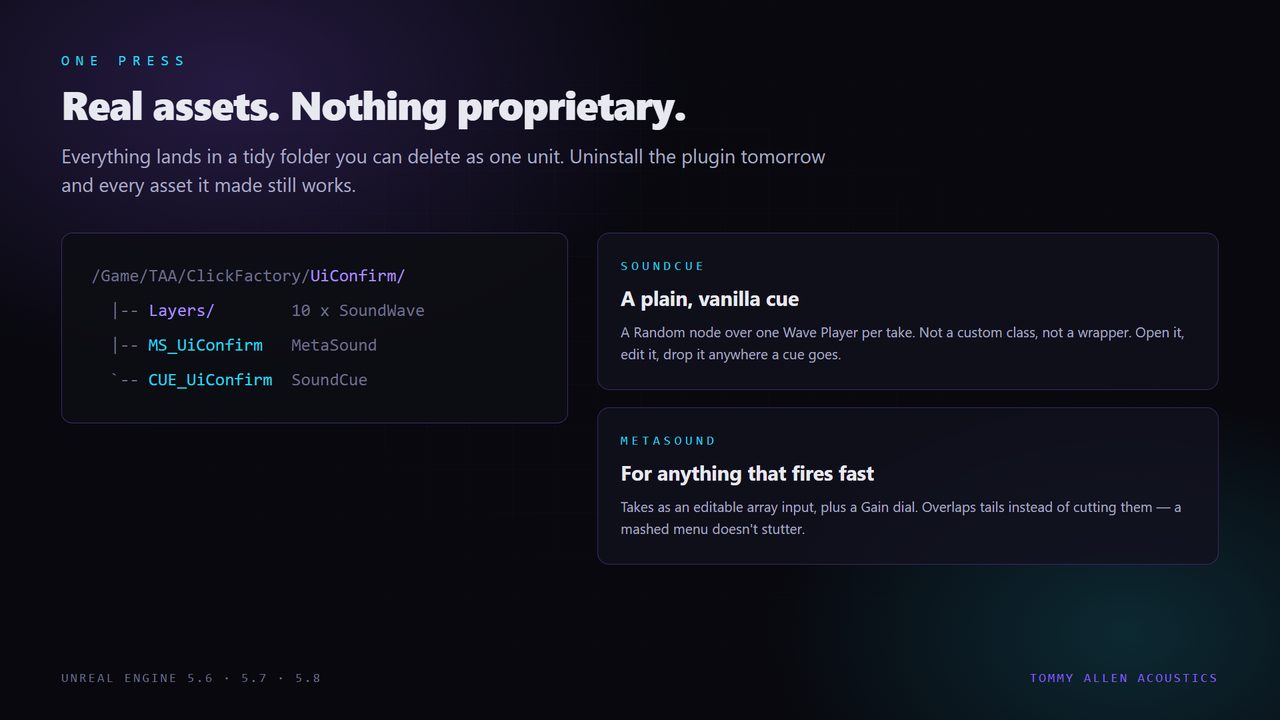
- One-press import — SoundWaves, a vanilla SoundCue and a MetaSound, straight into the open project.
- 11 synthesis parameters — duration, pitch, tonality, brightness, resonance, envelope, sweep, layers, double hit, bitcrush, volume.
- 8 envelope types and 5 sweep modes — snap, pluck, tap, pop, reverse, bounce, gate.
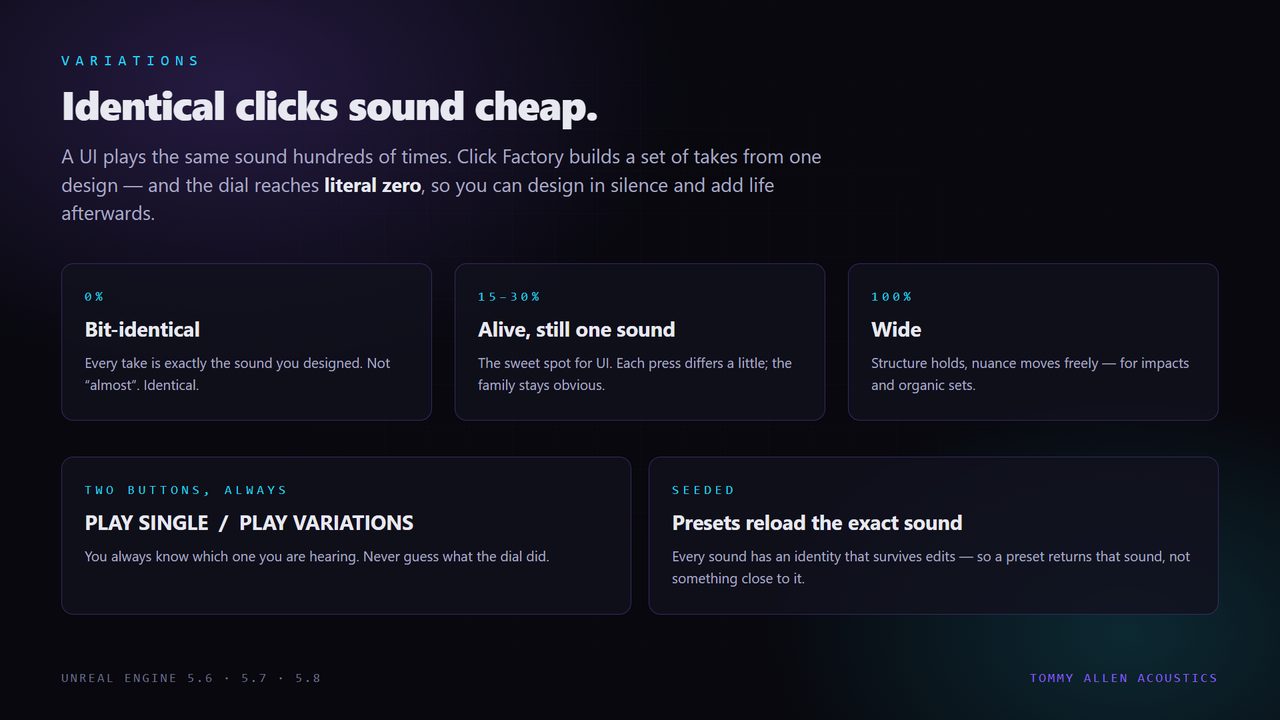
- Seeded identity — every sound has a seed. Presets reload identical, edits never reroll it.
- Matched variation sets — x5 or x10 takes with a variation dial from 0% to 100%.
- Royalty free — what you make is yours.
>> SEE IT
>> THE TECHNICAL BIT
Editor-only. It adds nothing to your packaged game. The sounds it builds are ordinary Unreal assets and ship like any other asset.
Unreal Engine 5.6, 5.7 and 5.8, Windows editor. Each engine version has its own build.
Requires two plugins that ship with Unreal — Python Editor Script Plugin (runs the import) and MetaSound (the asset type it generates). Both are enabled automatically. Nothing third-party to download.
Assets build under /Game/TAA/ClickFactory/YourName/.
>> IF SOMETHING BREAKS
Edit > Plugins and search for Python. Enable it, restart the editor, try again.Settings and tick Show Plugin Content. The toolbar button and the Tools > Tommy Allen Acoustics menu work whether you do this or not./Game/TAA/ClickFactory/<YourName>/ — the SoundWaves, a plain SoundCue and a MetaSound Source. If you used DOWNLOAD instead, raw WAVs land in your project's Saved/ folder and the tool prints the exact path.Questions, bug reports and feature requests go through the Support link on the Fab listing — that reaches me directly, and I answer.